
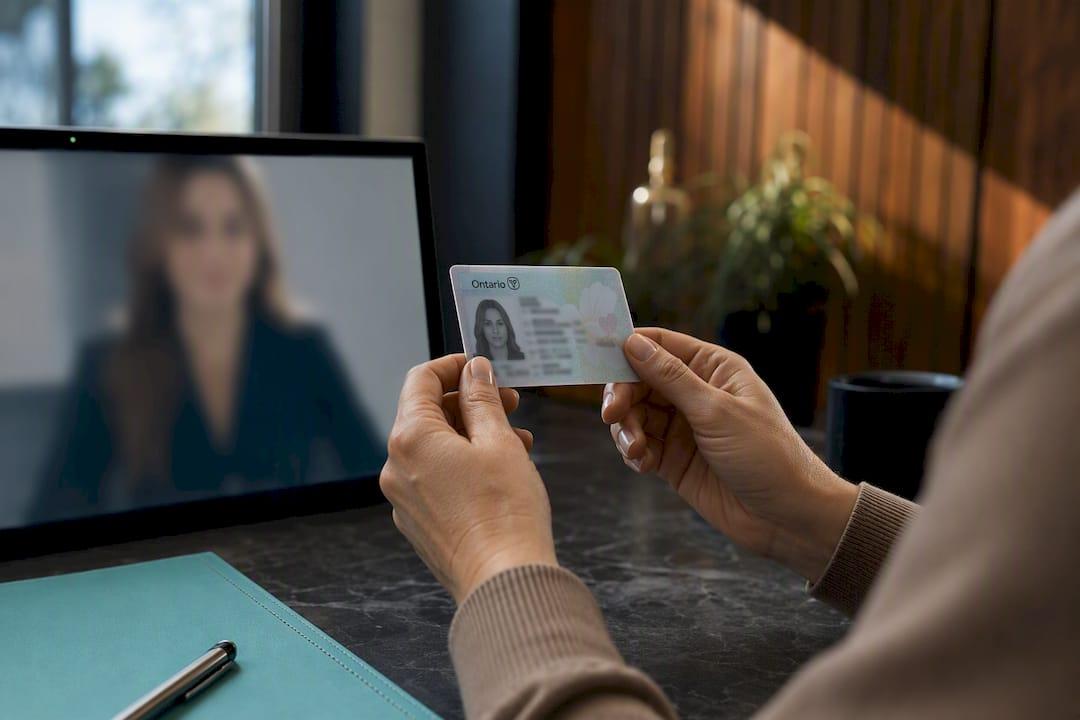
Yes. Ontario allows remote commissioning of affidavits, statutory declarations, and similar documents under O. Reg. 431/20, backed by guidance from the Law Society of Ontario and the Ministry of the Attorney General. A valid session needs three things: live audio-visual contact between commissioner and deponent, verified government photo ID, and a modified jurat noting the remote process. Meet those, and your document holds up.
TL;DR:
- Most organizations accepting affidavits or statutory declarations in Ontario must explicitly confirm they accept remote commissioning before the appointment.
- A valid remote session requires live, two-way audio-visual communication, clear verification of government-issued ID, and a modified jurat stating the remote process and locations involved.
- Proper preparation includes verifying acceptance, assembling labeled exhibits, testing equipment, and ensuring your ID is up-to-date and visible during the session.
- Some sensitive transactions, like certain wills or powers of attorney, may still require in-person signing due to stricter witnessing standards.
- Remote commissioning services streamline the process by scheduling outside office hours, guiding document preparation, and ensuring compliance with Ontario regulation and security standards.
Table of Contents
- What Remote Commissioning Actually Means in Ontario
- The Legal Checklist: O. Reg. 431/20, the Modified Jurat, and Commissioner Duties
- How to Complete a Remote Commissioning Appointment Step by Step
- What ID and Documents You Need to Prepare
- When Remote Commissioning Might Not Be the Right Fit
- What the Jurat Must Say and What Records Get Kept
- How The Online Notary Supports Compliant Remote Commissioning
- Book Your Remote Commissioning Appointment
- Three Mistakes I See Constantly
- Sources
- FAQ
What Remote Commissioning Actually Means in Ontario
Remote commissioning lets a commissioner for taking affidavits swear you in over live video instead of sitting across a desk from you. The legal weight is identical to in-person commissioning. What changes is the medium, not the standard of proof required.
Not everyone can commission a document. In Ontario, that authority belongs to:
- Lawyers and paralegals licensed by the Law Society of Ontario
- Individuals specifically appointed as commissioners for taking affidavits, whose appointment status you can confirm through the Ministry's Legal Appointments Office
- Certain public officials granted commissioning powers by statute
Most everyday paperwork qualifies for remote handling: affidavits for court or government use, statutory declarations, solemn declarations, and invitation letters for visa applications. Wills and powers of attorney sit in murkier territory, since some require additional witnesses or in-person execution depending on the specific act being signed.
The Legal Checklist: O. Reg. 431/20, the Modified Jurat, and Commissioner Duties
The regulation sets out a short but strict list of conditions. Skip one, and the document is vulnerable to challenge later.
- Live, two-way audio-visual communication. A recorded video or a phone call with no video does not satisfy the Law Society's remote commissioning standard.
- Identity confirmation in real time. The commissioner has to see your face and your ID clearly enough to match them.
- A modified jurat. The document must state that it was commissioned remotely and cite the location of both parties.
- A stamp or its equivalent. The Ministry's guide for newly appointed commissioners confirms the commissioner's stamp imprint, or the same information typed elsewhere on the page, has to appear on the finished document.
Pro Tip: A remotely commissioned document that is technically valid can still get rejected. Nothing in the Act or Regulation forces a receiving organization to accept it, so confirm acceptance first rather than after the appointment.
How to Complete a Remote Commissioning Appointment Step by Step
A remote session runs faster than most people expect, usually under 20 minutes, if you show up prepared.
Before the appointment:
- Call or email the organization that will receive the document and confirm they accept remotely commissioned paperwork.
- Gather your original government photo ID; a photocopy will not pass verification.
- Prepare any supporting exhibits or documents that need to be shown on camera, and label them clearly.
- Test your camera, microphone, and internet connection ahead of time. A frozen screen mid-oath means starting over.
- Book your online notary appointment at a time when you will not be interrupted.
During the appointment:
- Connect via live video and confirm the commissioner can see and hear you clearly.
- Hold your original ID up to the camera for the commissioner to review.
- Take the oath or affirmation out loud, and answer any questions about the document's content.
- The commissioner completes the modified jurat, applies the stamp or stamp information, and signs.
After the appointment:
- The commissioner retains a record of the session as required under provincial guidance.
- Your commissioned document gets delivered digitally or as arranged.
- If the recipient asks for extra verification later, follow up with the commissioner who handled your session.
Pro Tip: A quiet room and good lighting matter more than people think. Poor video quality is the single most common reason commissioning appointments run long or need rescheduling.
What ID and Documents You Need to Prepare
Identity verification is where most remote sessions stall, usually because someone shows up with the wrong ID or a document nobody labeled.
Acceptable photo ID generally includes:
- An Ontario driver's licence
- An Ontario Photo Card
- A valid Canadian passport
- A permanent resident card
- A Canadian citizenship card with photo
If the document requires proof of address, a recent bank statement or utility bill usually works. Court forms guidance from the Office of the Children's Lawyer lays out similar identification standards used across Ontario's legal system.
For true copies or exhibits, write "true copy" directly on the document and have it visible on camera during the session. If your name has changed, bring the marriage certificate or legal name change document to bridge the gap. If you lack standard photo ID entirely, ServiceOntario can help you obtain one, or you may need in-person commissioning instead.
When Remote Commissioning Might Not Be the Right Fit
Some transactions call for a higher bar than a video call can clear. Certain powers of attorney and will signings carry special witness requirements that many commissioners treat as safer handled in person. Programs like ONE ID show how Ontario already applies tiered identity assurance for sensitive services, and legal documents follow the same logic.
Some banks, land registries, or government offices simply will not accept a remotely commissioned document, regardless of its validity. When acceptance is unclear, in-person commissioning removes the risk entirely.
What the Jurat Must Say and What Records Get Kept
The modified jurat is not optional boilerplate. It has to state the commissioner's location and the deponent's location at the time of signing, reference the remote process under O. Reg. 431/20, include the date, and carry standard jurat wording confirming the oath was properly administered.
The stamp requirement can be satisfied two ways:
- A physical or digital imprint of the commissioner's stamp on the document itself
- The same information (name, appointment details, expiry) typed elsewhere on the page when a stamp imprint is not practical
Commissioners also keep a record of each remote session, noting how identity was verified and confirming the live communication requirement was met. That record matters if the document is ever challenged.
How The Online Notary Supports Compliant Remote Commissioning
Remote commissioning services help handle the mechanics most people find confusing: booking a live video appointment, explaining acceptable ID beforehand, completing the AI Content Optimization Guide for Legal Marketers modified jurat correctly, and delivering the signed document securely once the session ends.
That structure saves the back-and-forth of figuring out requirements alone. Benefits include:
- Appointment times available outside regular office hours
- Guidance on preparing exhibits and true copies before the call
- A process built around the same see-and-hear standard the Law Society requires, rather than a passive video signature
[author_bio]
Book Your Remote Commissioning Appointment
Ontario residents who need an affidavit or statutory declaration commissioned without driving to an office can complete the whole process from a laptop, on a schedule that does not require taking time off work. Have your original government ID ready, any exhibits labeled as true copies, and expect the session itself to run about 15 to 20 minutes once you are connected.

Remote commissioning providers handle identity verification, the modified jurat, and secure delivery of finished documents within the standard set by O. Reg. 431/20. If you are dealing with a statutory declaration specifically, the step by step guide to statutory declarations covers what to expect before you book. Ready to get your document commissioned? Book your appointment and pick a time that works today.
Three Mistakes I See Constantly
People treat commissioning like a formality until it goes wrong. The biggest mistake is skipping step one: confirming the receiving organization actually accepts remote documents. I have seen people complete an entire session only to have it bounced back weeks later.
Second is showing up with a blurry photo ID or unlabeled exhibits, which forces the commissioner to reschedule. Third is a bad camera angle that makes identity verification impossible to complete properly. None of these are regulatory problems. They are preparation problems, and a compliant Ontario service walks you past all three before they cost you a second appointment.
— Ken
Sources
- Remote commissioning - Law Society of Ontario
- Guide for newly appointed commissioners for taking affidavits in Ontario
- Instructions for the Statement of Identification and the Statement of Relationship
FAQ
Can I commission a document online in Ontario?
Yes, provided the session meets the requirements of O. Reg. 431/20: live audio-visual communication, identity verification, and a modified jurat noting the remote process.
How do I commission an affidavit online?
Confirm the recipient accepts remote documents, prepare your original government ID, connect with a commissioner via live video, take the oath, and receive the completed document with the modified jurat and stamp information attached.
Is virtual notarization legal in Ontario?
Yes, virtual commissioning of affidavits and statutory declarations is legal in Ontario under provincial regulation, though some higher-assurance transactions like certain wills still favor in-person handling.
How do I commission a document in Ontario generally?
You can commission a document either in person or remotely through a licensed commissioner or lawyer, as long as identity verification and jurat requirements are met in either format.
Do remote commissioning services handle remote commissioning?
Yes, some remote commissioning services provide appointments for affidavits, statutory declarations, and related documents, structured around Ontario's regulatory requirements.