

A legal affirmation is a solemn, non-religious declaration you make in place of an oath, and in most commissioning contexts it carries exactly the same legal weight. If you're signing an affidavit, a statutory declaration, or an invitation letter, an affirmation will almost always work fine. Where it can run into trouble is court filings with specific form requirements, or certain provincial procedures that still call for a sworn affidavit by name.
Documents that typically accept an affirmation:
- Affidavits used outside strict court proceedings
- Statutory declarations for government, immigration, or business purposes
- Invitation letters for visitors or family sponsorship
- Some wills and powers of attorney, where the deponent doesn't hold religious beliefs an oath would invoke
Under the Commissioners for Taking Affidavits Act, a commissioner has authority to take either an oath or an affirmation, and Law Society of Ontario guidance treats both as equally binding.
Pro Tip: If a form says "sworn" instead of "affirmed" on the signature line, don't assume it's interchangeable. Ask the receiving agency whether an affirmation is acceptable before you book your appointment.
Key Takeaways
An affirmation carries the same legal force as an oath for most affidavits, statutory declarations, and similar documents, provided the commissioner properly administers it before you sign.
| Point | Details |
|---|---|
| Same legal weight | An affirmation substitutes for an oath without reducing legal force in most commissioning contexts. |
| Sign after, not before | Documents must be signed in the commissioner's presence after the affirmation is read, or they risk rejection. |
| Capacity matters more than religion | Eligibility hinges on understanding the declaration, not on religious belief. |
| Remote commissioning requires specific steps | Video ID verification and a modified jurat noting both locations are required under O. Reg. 431/20. |
| Theonlinenotary handles the full process | Remote commissioning for affidavits, statutory declarations, and remote will witnessing is available with same-day scheduling in many cases. |
This article is general information, not a substitute for advice from a qualified lawyer. Consult a qualified legal professional about your own circumstances before acting on anything here.
Table of Contents
- When can you use an affirmation instead of an oath?
- Affirmation versus oath: what actually changes?
- Who is eligible to make an affirmation?
- How is an affirmation administered, step by step?
- What does sample affirmation wording look like?
- What happens if you make a false affirmation?
- How long does getting an affirmation take, and what does it cost?
- What do practitioners get wrong most often about affirmations?
- Get Your Affirmation Commissioned Online Today
- Sources
When can you use an affirmation instead of an oath?
Most day-to-day commissioning falls into the "affirmation is fine" category. Affidavits for personal, business, and administrative use, statutory declarations, invitation letters, and witness statements outside a courtroom all typically accept an affirmation without objection. Ontario's own land registration guidance confirms affirmations can substitute for affidavits in specified registration circumstances, which tells you the substitution is officially recognized, not just tolerated.
Commissioners, notaries, court clerks, and many government service counters are all authorized to administer an affirmation.
The wrong document type is one of the more common reasons a filing gets bounced back. Choosing a statutory declaration when a court process specifically requires a sworn affidavit leads to rejection and delay, according to a comparison from Legal Templates Canada.
If you're filing with a court, a tribunal, or a specific government program, check the form's own instructions or call the receiving office first. A five-minute phone call beats a rejected filing and a second appointment.
Affirmation versus oath: what actually changes?
The wording changes; the legal effect doesn't. An oath invokes a religious authority ("I swear by Almighty God"), while an affirmation uses secular language ("I solemnly affirm"). Ontario's guide for newly appointed commissioners is explicit that either method binds the deponent to truthfulness in the same way, and commissioners are instructed to ask which form the person prefers rather than assume.
Courts occasionally lean toward oaths in cases where sworn testimony format is procedurally specified, but that's a form issue, not a credibility issue. The jurat wording and the commissioner's record differ slightly depending on which method was used.
| Element | Oath | Affirmation |
|---|---|---|
| Sample phrase | "I swear that this is true" | "I solemnly affirm that this is true" |
| Religious reference | Present | Absent |
| Legal weight | Same as affirmation | Same as oath |
| Jurat notation | "Sworn before me" | "Affirmed before me" |
Who is eligible to make an affirmation?
Capacity, not religion, is the real gatekeeper here. Adults are presumed capable of affirming unless there's a specific reason to question it. Minors face closer scrutiny, and some proceedings require a court to assess whether a young person understands the significance of the declaration before accepting testimony.
- Adults: generally eligible without inquiry, absent red flags
- Minors: may require a capacity assessment depending on the proceeding
- Adults with cognitive impairment: a commissioner or court may ask direct questions to confirm understanding before proceeding
- Non-English speakers: may need an interpreter present during administration
A commissioner's job isn't just to watch someone sign. It's to confirm the person understands what they're affirming and that the signature is genuinely theirs, per the obligations set out in the Commissioners for Taking Affidavits Act.
If capacity is in doubt, the safer path is a documented inquiry or, in contested matters, a court-ordered assessment rather than proceeding on assumption.
How is an affirmation administered, step by step?
Whether you're sitting across a desk or logging into a video call, the sequence is the same: verify identity, administer the affirmation, witness the signature, then complete the jurat.
In person:
- Bring the completed document, unsigned. Signing early is the single most common reason documents get rejected.
- Present original government-issued ID. A photocopy usually won't satisfy municipal offices, as Toronto's commissioning guidance makes clear.
- The commissioner asks whether you want to swear or affirm, then reads the affirmation aloud.
- You sign the document in the commissioner's physical presence, after the affirmation is administered, not before.
- The commissioner signs and dates the jurat, confirming the affirmation was properly taken.
Remote commissioning:
- Join a live video session through the commissioner's platform of choice.
- Show original ID to the camera for verification, following the identity checks outlined in Law Society of Ontario's remote commissioning rules.
- The commissioner administers the affirmation over video, same as in person.
- You sign your copy while visible on camera; the commissioner confirms the signature matches in real time.
- The commissioner completes a modified jurat noting both parties' locations, satisfying the conditions under O. Reg. 431/20.
Pro Tip: Have your document ready and unsigned when the session starts, in the exact final version. If you sign before the affirmation is administered, you'll need to start over with a fresh copy. That single mistake causes more rejected documents than anything else.
For a full walkthrough of remote steps and what to expect on camera, see The Complete Guide to Using an Online Notary Public for Affidavits and Declarations in Ontario.
What does sample affirmation wording look like?
A jurisdiction-neutral affirmation clause reads something like: "I, [name], do solemnly affirm that the contents of this affidavit are true and correct to the best of my knowledge." A statutory declaration version often reads: "I make this solemn declaration conscientiously believing it to be true."
For remote sessions, the jurat gets an extra line noting where each person was physically located, something like: "Affirmed before me by video conference, the deponent located in [city/province] and the commissioner located in [city/province], on [date]."
- The jurat sits at the end of the document, below the signature block
- The commissioner adds the date, their name, their appointment or commission number, and their signature
- A seal or stamp may accompany the signature, though a signature alone is often sufficient for affirmations
- Use prescribed wording when a specific form mandates it; otherwise a custom clause works fine
For help drafting the body of the document itself, how to prepare a valid affidavit in Ontario walks through the standard structure.
What happens if you make a false affirmation?
A false statement made under affirmation carries the same criminal exposure as a false statement made under oath. Courts don't treat the secular wording as a loophole. Perjury and related offences apply regardless of whether the words invoked a religious authority.
Signing a jurat without properly administering the affirmation first isn't a paperwork technicality. It's an offence with real penalties under the Commissioners for Taking Affidavits Act, which sets out fines for commissioners who fail to follow proper procedure.
Beyond criminal exposure, an improperly administered jurat gets documents rejected by the receiving agency, forcing you back to square one. The practical fix is simple: never sign before the affirmation is read, and confirm your commissioner records the date, location, and method clearly.
How long does getting an affirmation take, and what does it cost?
In-person appointments at a private commissioner's office typically run 15 to 30 minutes; municipal offices can take longer depending on walk-in volume. Remote sessions are often available on short notice, as scheduling isn't tied to office hours.
- Per-document fees are standard, with extra charges for additional pages
- Remote witnessing for wills or powers of attorney usually carries a higher one-time fee than a standard affidavit or declaration
- Multi-document appointments sometimes qualify for a bundled rate, worth asking about upfront
- Book ahead if you need same-day service. Availability tightens toward the end of business days
Pro Tip: If you're commissioning more than one document, mention that when booking. Combining them into a single session often costs less than two separate appointments.
What do practitioners get wrong most often about affirmations?
The mistakes I see repeated aren't really about the law. They're about sequence. People sign before the affirmation is administered, hand over a document that's missing a page, or show up without original ID because they assumed a photo on their phone would do.
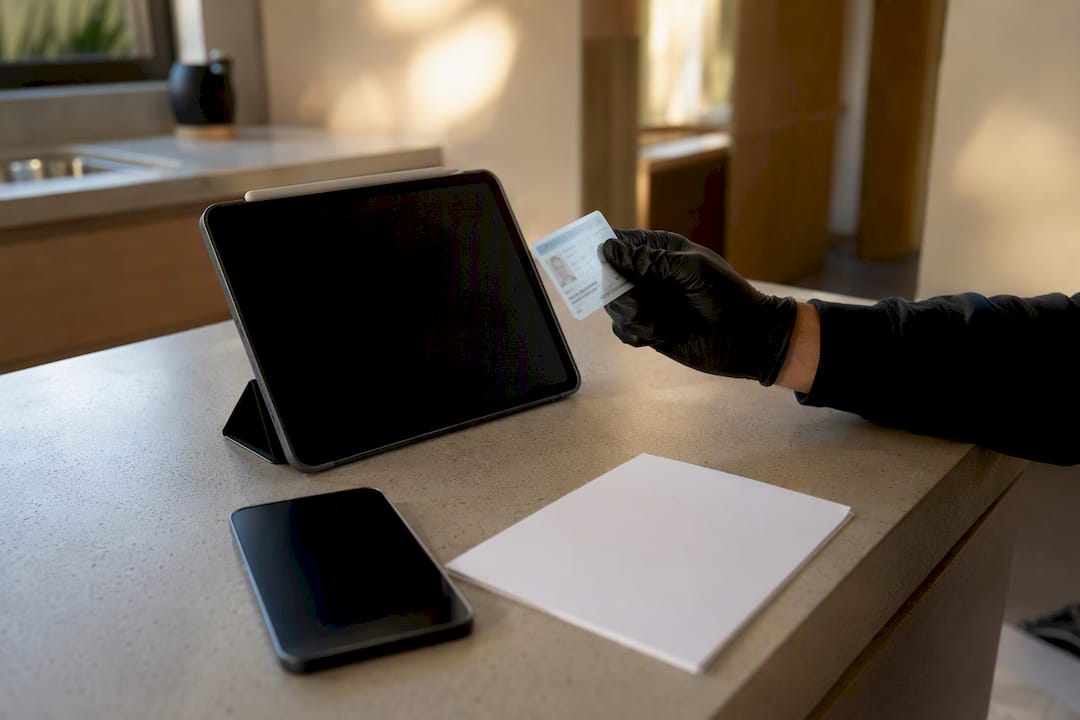
The fix isn't complicated: treat the affirmation as the first step, not a formality tacked onto a signature you already made. Prepare your document as final, keep your ID ready, and if you're doing this remotely, test your camera before the session starts. Producing practical guides for The Online Notary has made one thing clear: the process is simple when the order is right, and it derails almost entirely when it isn't.
Get Your Affirmation Commissioned Online Today
You don't need to take time off work or drive to an office to get an affidavit, statutory declaration, or invitation letter affirmed. Theonlinenotary handles remote commissioning entirely by video, with identity verification, a properly modified jurat showing both locations, and secure recordkeeping built into every session. For wills and powers of attorney that require remote witnessing, the same process applies with the added steps that document type calls for.

Sessions are often available same-day, so if you have a document that needs affirming this week, check current appointment slots and pricing on the notary services page and book a time that works around your schedule.
Sources
- Remote Commissioning - Lawyer | Law Society of Ontario
- Ontario
- Commissioning of Documents – City of Toronto